Creating a home office space that is both cozy and productive can make a big difference in your work-from-home experience. Whether you’re a full-time remote worker or just need a dedicated spot for occasional tasks, having a comfortable, organized, and inspiring area helps improve focus and reduce stress. In this post, we’ll explore practical tips to design a home office that blends comfort with efficiency.
Why a Cozy and Productive Home Office Matters
Working from home offers flexibility, but it can also come with challenges like distractions and discomfort. An inviting space encourages you to stay motivated, while thoughtful organization makes your workflow smoother. Striking the balance between coziness and productivity can improve your daily routine and overall well-being.
Choose the Right Location
Consider Natural Light
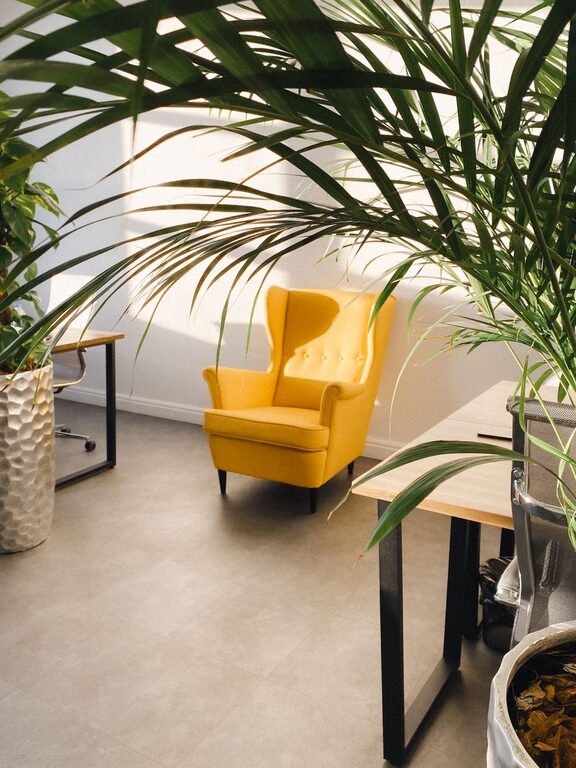
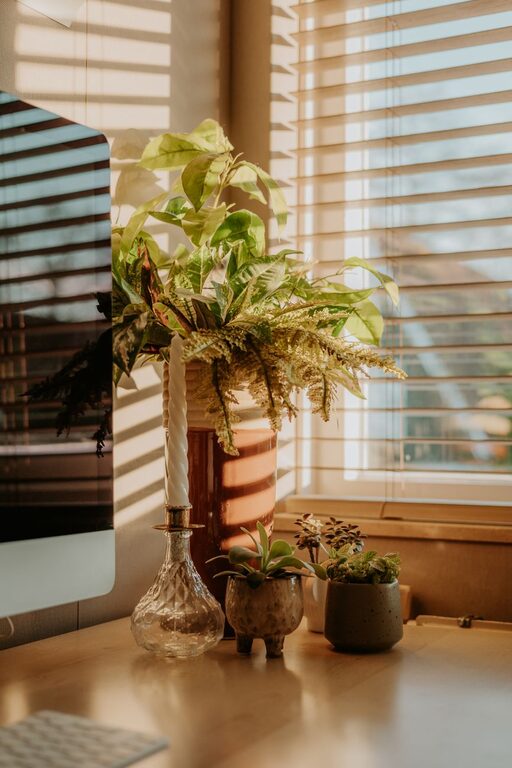
Select a spot with plenty of natural light, if possible. Natural light boosts mood and energy levels. Try positioning your desk near a window but avoid glare on your computer screen by using sheer curtains or adjustable blinds.
Minimize Distractions
Pick a quiet corner or room where interruptions are minimal. If space is limited, use room dividers or noise-canceling headphones to help create a focused environment.
Invest in Comfortable and Functional Furniture
Ergonomic Chair and Desk
Comfort is key when you spend hours working. Choose an ergonomic chair with good lumbar support and adjustable height. Pair it with a desk that fits your needs — whether it’s a standing desk or a traditional one — to keep your posture healthy.
Add Soft Textures
Incorporate cozy elements such as a plush rug or cushioned seat pads. These touches not only make the space comfortable but also visually warm and welcoming.
Organize Your Supplies and Technology
Declutter with Storage Solutions
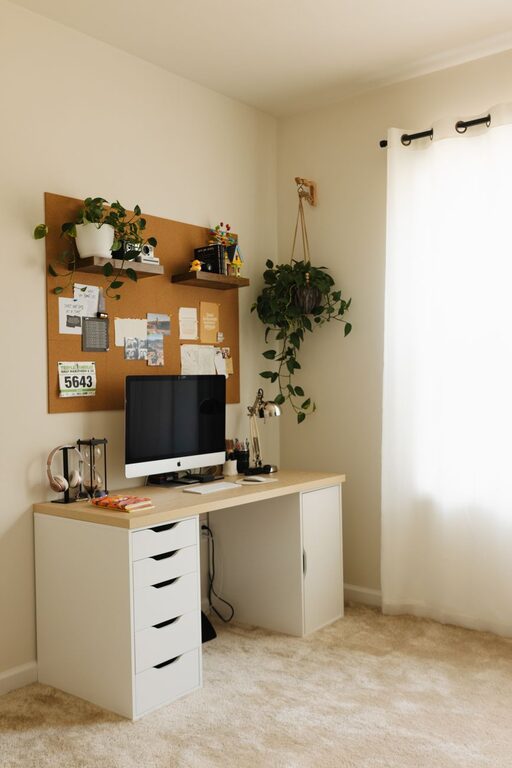
Keep your workspace tidy by using shelves, filing cabinets, or desk organizers. A clear desk helps clear your mind and reduces stress. Label boxes and trays to easily find items.
Manage Cables
Tame the cable clutter with clips, ties, or under-desk organizers. A neat look prevents distractions and helps maintain a safe workspace.
Personalize Your Space
Adding personal touches helps your office feel inviting and motivates you to spend time there.
– Artwork or Photos: Hang a favorite painting or family photos to inspire you throughout the day.
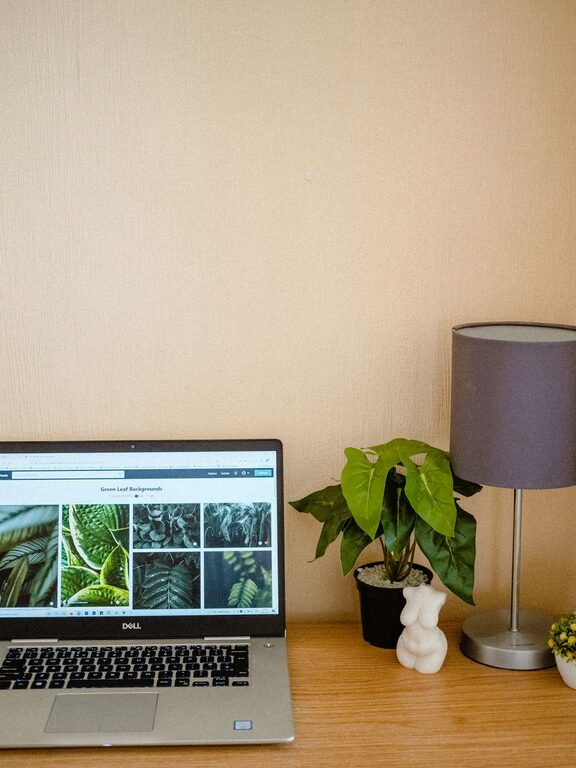
– Plants: Indoor plants improve air quality and add a natural touch. Low-maintenance plants like succulents or pothos work well.
– Color Choices: Choose calming colors for walls and accessories, such as soft blues, greens, or neutrals.
Optimize Lighting
Besides natural light, ensure you have good artificial lighting.
– Task Lighting: A desk lamp with adjustable brightness helps reduce eye strain during late work sessions.
– Ambient Lighting: Soft overhead or floor lamps create warmth and reduce harsh shadows.
Maintain a Healthy Work Routine
Take Breaks
No matter how well your office is set up, taking regular breaks is essential. Step away from your desk to stretch or take a short walk to refresh your mind.
Set Boundaries
Define clear work hours and communicate them if others share your home. This helps maintain work-life balance and preserves your productivity.
Technology Tips for Efficiency
Reliable Internet and Equipment
Invest in a stable internet connection and use quality computer equipment to avoid technical frustrations.
Use Productivity Apps
Tools for task management, time tracking, and note-taking can help keep you organized and focused.
Keep It Clean
A clean workspace feels more inviting and reduces germs. Regularly dust surfaces, vacuum rugs, and wipe down electronics.
—
By thoughtfully designing your home office with comfort and efficiency in mind, you create a space that supports productivity while feeling cozy. Small changes in lighting, furniture, organization, and personalization can transform your workspace into a place you enjoy spending time every day. Start with one or two tips and build from there to make your ideal home office a reality.
About the Author